How do I add or update a bike or accessories on my bike insurance policy?
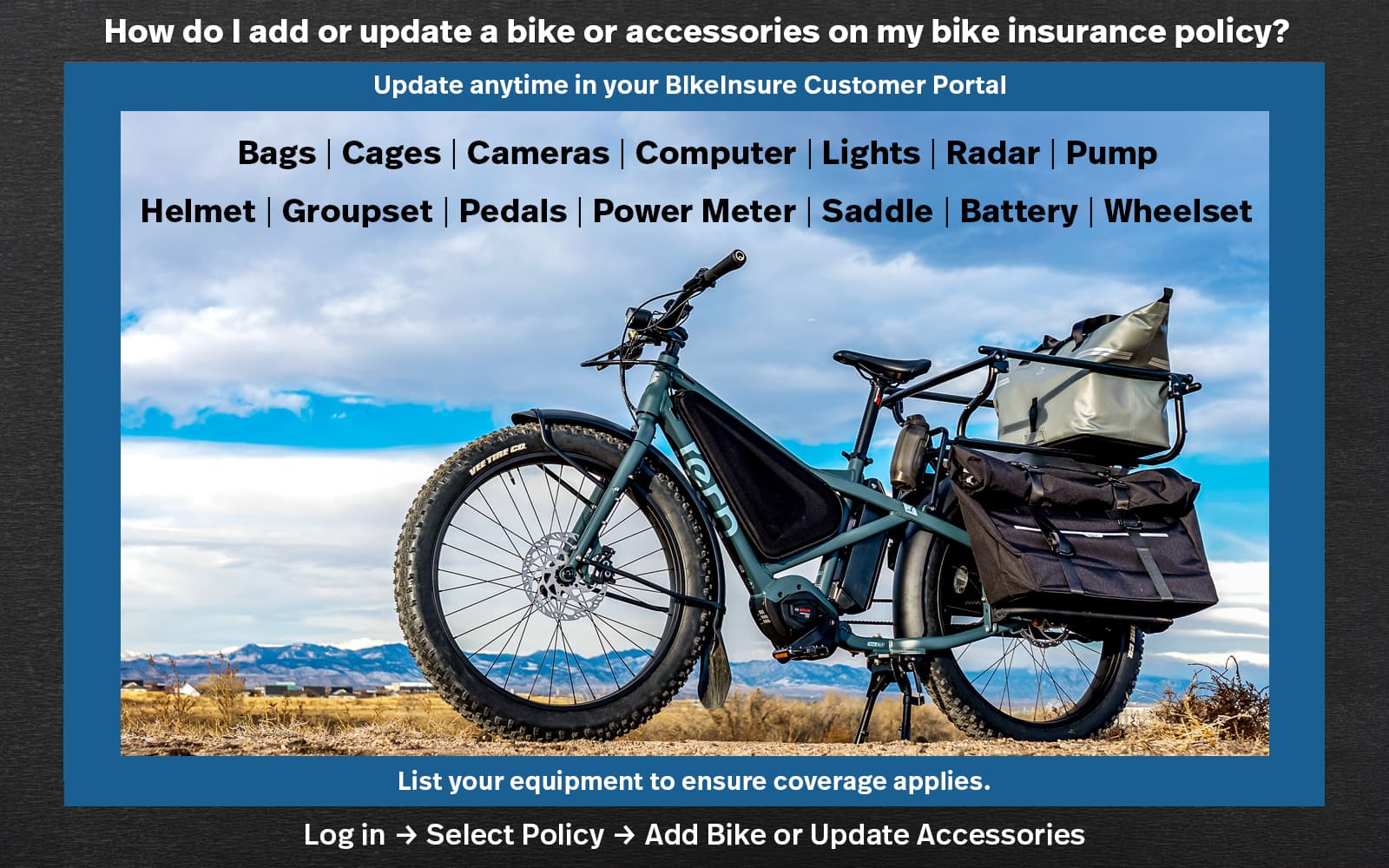
You can request to add a bicycle or e-bike — or update listed accessories — at any time through the BikeInsure Customer Portal.
To make a request:
1. Log in to the BikeInsure Customer Portal
2. Select your policy
3. Choose Add Bike or Update Accessories
4. Enter the bike details or revised accessory information and submit the request
All changes are handled as a policy update request. After review and approval, a policy endorsement is issued, and the added or updated bicycle or accessories become part of your insured equipment and are covered under the policy.
We recommend submitting an update request whenever you purchase new components, upgrade equipment, or replace a bicycle to ensure your coverage accurately reflects your latest additions.